








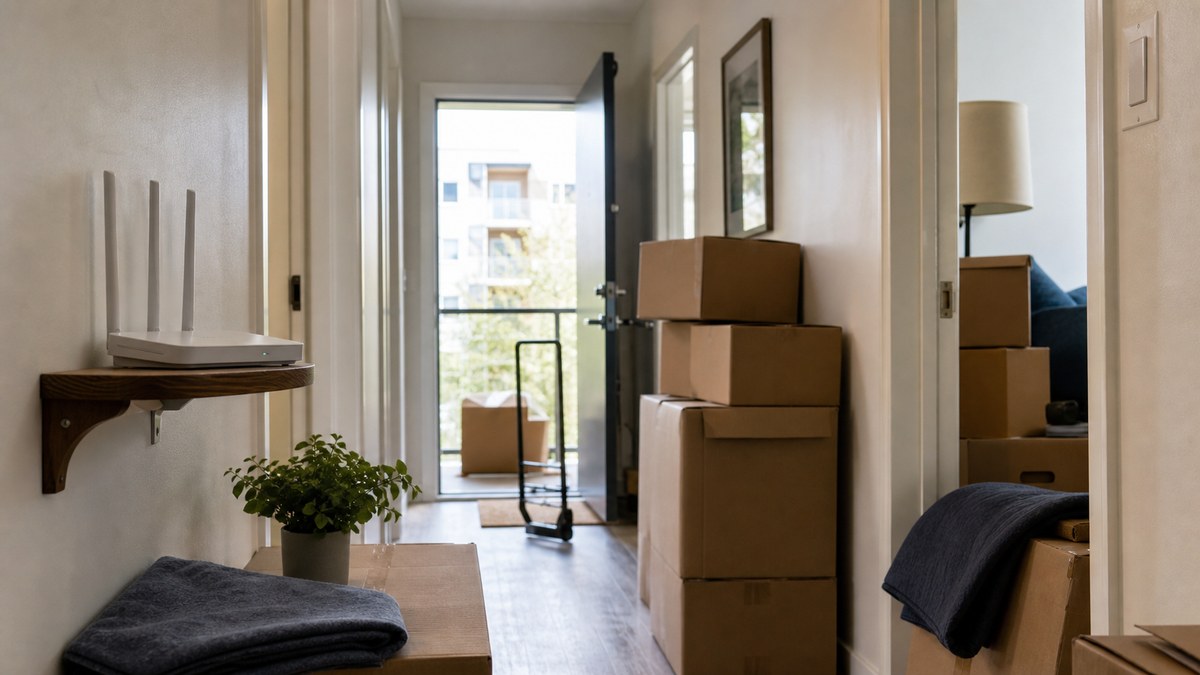
Here is the moving-day wireless trap: your phone works perfectly at the old address, then your new living room turns into a one-bar science experiment.
Verizon framed a recent moving story around how much of a cross-country move can now be managed from a smartphone. That is true, but it cuts both ways. If your phone is the map, checklist, hotspot, 2FA device, and family group-chat hub, your wireless setup needs a move plan before the boxes are taped shut.
Moving phone plan checks start with the new address
Do not assume the carrier that worked in your old neighborhood will work the same way in the new one. Coverage maps are only a starting point; buildings, hills, apartment materials, and network congestion can all change the day-to-day experience.
Run the practical check before you move. Ask your carrier whether your plan, phone, and network features are supported at the new ZIP code. If you are moving into an apartment, test service in the actual unit or ask a neighbor what works indoors.
What to do: check your carrier's coverage map, then test the new address in person if you can. One bar in the kitchen matters more than a green map online.
Update your Wi-Fi Calling emergency address
This is the boring setting people forget. T-Mobile says customers need an E911 address before using Wi-Fi Calling so dispatchers have location information if the phone's location does not show automatically. Verizon's Wi-Fi Calling support also tells customers to confirm a U.S. address for 911 calls.
AT&T's Wi-Fi Calling support is even more blunt: if it is not sure of your location, it uses Enhanced 911 information, and customers should update the E911 address for the Wi-Fi Calling location so responders can find them quickly.
What this means for you: when your lease, mortgage, or forwarding address changes, your Wi-Fi Calling emergency address should change too.
Make hotspot your moving-week backup, not your whole plan
A phone hotspot can save a work call while home internet is being installed. It can also burn through priority data, slow down after a cap, or fail if the new address has weak indoor coverage.
Check your plan's hotspot allowance before the router gets packed. If the plan includes only a small hotspot bucket, do not schedule a full day of video meetings on it. If you have a family plan, decide whose phone becomes the backup connection and keep that device charged.
What to do: write down your hotspot limit and your home-internet install date before you cancel the old service.
Check autopay, paperless billing, and shipping details
Moving is when small billing details get expensive. Carrier accounts often use your address for billing, device shipments, trade-in kits, fraud checks, and paperless notices. A stale address can turn a simple SIM replacement or phone delivery into a support headache.
Do not wait until a device ships to the wrong place. Log in to your carrier account and update the billing address, service address when shown, shipping address, and authorized user details.
What this means for you: the phone bill is not just a bill. It is also an account record that controls where support mail, devices, and trade-in packaging may go.
Do not switch carriers mid-move unless the math is clear
A move is a natural time to shop. It is also a terrible time to create a porting problem if you need your number for movers, banks, landlords, school portals, and two-factor codes.
If the new address exposes bad coverage, compare plans after you have tested service there. Keep your old number active until the new carrier confirms the transfer is complete, and avoid starting the switch on the same day you need the phone for travel, closing documents, or utility setup.
What to do: if you need to switch, pick a quiet day after the move and keep both carrier account logins handy.
The SaveOnPhone read
- Coverage is local: your old address does not prove your new apartment, basement, or neighborhood will work.
- E911 is a must-check: AT&T, T-Mobile, and Verizon all point Wi-Fi Calling customers back to emergency address details.
- Hotspot is temporary: treat it as a bridge while home internet is installed, not a hidden replacement plan.
- Do the boring account cleanup: billing, shipping, and service-address details can affect support when you need it most.
What to do this week
- Check coverage at the new address before moving day.
- Update your Wi-Fi Calling E911 or emergency address.
- Write down your hotspot allowance and home-internet install date.
- Update carrier billing, service, and shipping addresses.
- Delay any carrier switch until you can test service in the new location.
Bottom line: moving is already chaotic. Do the phone-plan cleanup before the truck arrives so your number, emergency settings, hotspot, and account details do not become one more box to unpack.