








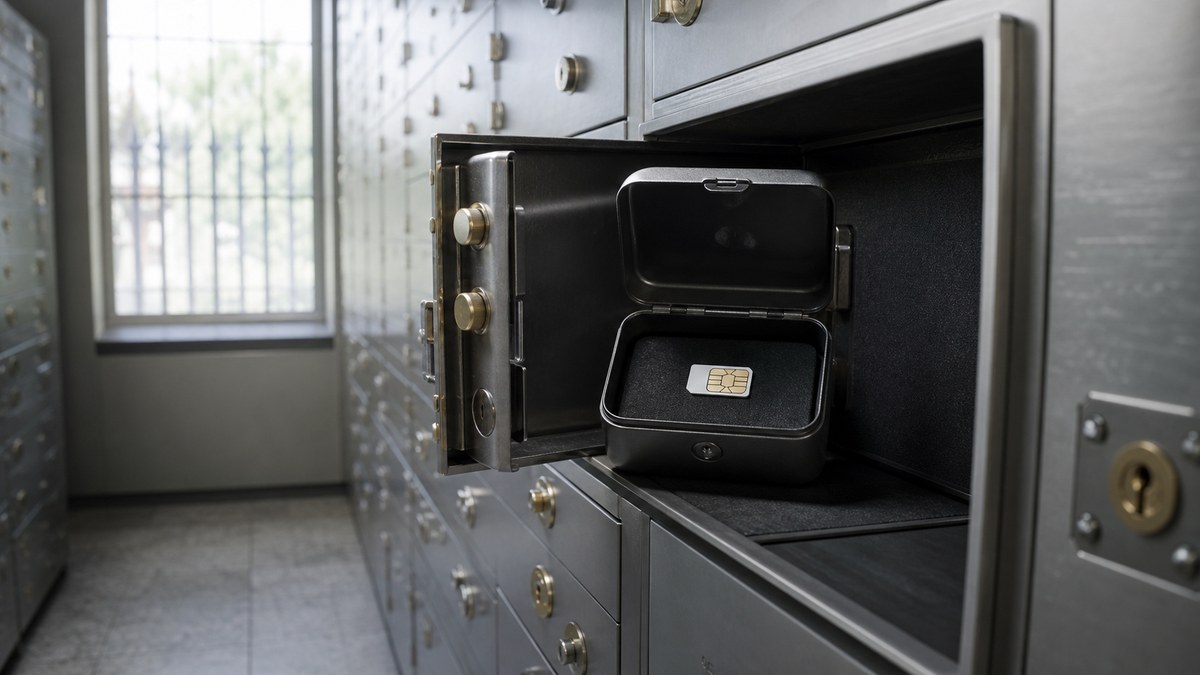
A phone-number thief does not need your whole phone bill to create a mess. If they can move your number to another SIM or eSIM, your bank texts, email resets, and account alerts can start going to the wrong device.
The pattern is clear: the lock that protects your number can also slow down your own upgrade. Before your phone breaks, your kid needs a replacement device, or you switch carriers, check which SIM-transfer controls are turned on and how to turn them off safely.
SIM swap locks: what to check first
Start by separating two ideas. A SIM swap moves service to another SIM or eSIM on the same carrier account. A port-out moves your number to a different carrier. Both are normal when you upgrade or switch, but both can be abused if someone gets into your account.
Who’s affected: anyone who relies on text-message codes, shares a family account, or keeps an old carrier login with a weak password. The risk is not only losing wireless service for a few hours. It is losing control of the phone number other accounts use to verify you.
T-Mobile: SIM Protection is free, but know the owner rule
T-Mobile says SIM Protection is a free feature for its postpaid customers and says it prevents bad actors from moving your number to another device and using it for fraud. The support page also says an Authorized User can add the feature, but only the Primary Account Holder can remove it.
That owner rule matters for family plans. If a parent, spouse, or roommate is the primary holder, you may not be able to remove protection yourself at the store when you are trying to activate a replacement phone.
What this means for you: turn the protection on, but write down who can remove it and how you will reach that person before an urgent upgrade.
AT&T: Wireless Account Lock can block SIM moves
AT&T’s SIM and eSIM transfer instructions tell customers to make sure Wireless Account Lock is turned off before switching an eSIM or physical SIM card between devices. AT&T also says customers may need a one-time PIN to complete an eSIM transfer.
That is useful friction when a criminal is trying to move your line. It is frustrating friction when you are standing at a counter with a broken phone and nobody on the account remembers the login.
Your options: keep the lock on for normal use, then temporarily turn it off only when you are ready to complete a legitimate transfer. Turn it back on afterward.
Verizon: check both SIM Protection and Number Lock
Verizon maintains My Verizon app instructions for enabling or disabling SIM Protection and Number Lock. Treat those as two settings to review before you change phones or move a number.
Do not assume a store representative can work around every lock on the spot. If you are on a shared account, check whether the account owner needs to approve the change, whether you need the app, and whether you should bring photo ID.
What to do: open the carrier app at home, find the security or number-transfer settings, and confirm you can reach the person who controls the account before you start a device swap.
The SaveOnPhone read
- Security settings are part of your plan value: a cheap plan is less useful if account recovery is chaotic when your number is attacked or your phone dies.
- Family plans need a backup owner plan: know who can remove locks, approve transfers, and receive one-time PINs.
- Do not leave locks off: if you disable protection for an upgrade, turn it back on after the new phone works.
- MVNO shoppers should ask first: smaller carriers may have different port-out PIN and SIM-swap rules, so check before moving your main number.
What to do this week
- Sign in to your carrier app and find the SIM, number lock, or account security section.
- Turn on the available lock if it fits your account and you know how to remove it for a real upgrade.
- Replace text-message verification with an authenticator app or passkey where important accounts support it.
- Make sure every family-plan user knows who the Primary Account Holder is.
- Before switching carriers, collect your account number, port-out PIN, and any lock-removal steps while your old phone still works.
Bottom line: SIM-swap protection is worth using, but it is not a set-and-forget checkbox. Turn the lock on, document who controls it, and keep the unlock steps handy before your next phone emergency.