








Let’s cut through the polished network language: T-Mobile is pitching a smarter way to handle crowded events. That does not mean your phone magically works everywhere the moment a stadium fills up.
T-Mobile said June 4 that Dynamic CX is an AI-powered network optimization capability built for large-scale live events and high-density environments. Useful? Potentially. A replacement for checking your plan, battery, and backup options before a packed concert or soccer match? Absolutely not.
T-Mobile Dynamic CX is about crowded-event congestion
The carrier says Dynamic CX helps its network adapt automatically in near real time as demand shifts. T-Mobile also says the system builds on its Self-Organizing Network technology, which continuously monitors and optimizes network performance.
The plain-English version: when many people crowd into one place and start streaming, sharing, posting, and calling at once, the network has to manage changing demand. T-Mobile says Dynamic CX uses AI to help identify potential mass gatherings from publicly available event information, schedules, and online activity, then helps prepare the network and monitor conditions around venues during the event.
What this means for you: treat this as a congestion-improvement claim, not a personal guarantee. Your actual experience still depends on your phone, your plan, the venue, the crowd, and whether you are indoors, outdoors, or buried under concrete.
Check your plan before you count on event uploads
Here we go again with the fine print: network upgrades help most when your plan can actually use the available network quality. A cheaper or deprioritized plan may still slow down first in crowded places, even if the carrier is improving the venue experience overall.
If you are paying more for premium data, hotspot access, or international/event travel features, make sure those features are actually attached to your current plan. Do not rely on a vague “5G” label. The word 5G does not tell you whether you have priority data, usable hotspot, or a plan that fits a crowded event day.
What to do: open your carrier account before the event and check the exact plan name, hotspot allowance, premium-data language, and any roaming or travel terms that matter for the day.
Do the boring phone prep before the gate
T-Mobile says Dynamic CX is meant for moments like global soccer matches, sold-out concerts, festivals, and community celebrations. Those are exactly the places where a dead battery or missing ticket screenshot can hurt more than a slow upload.
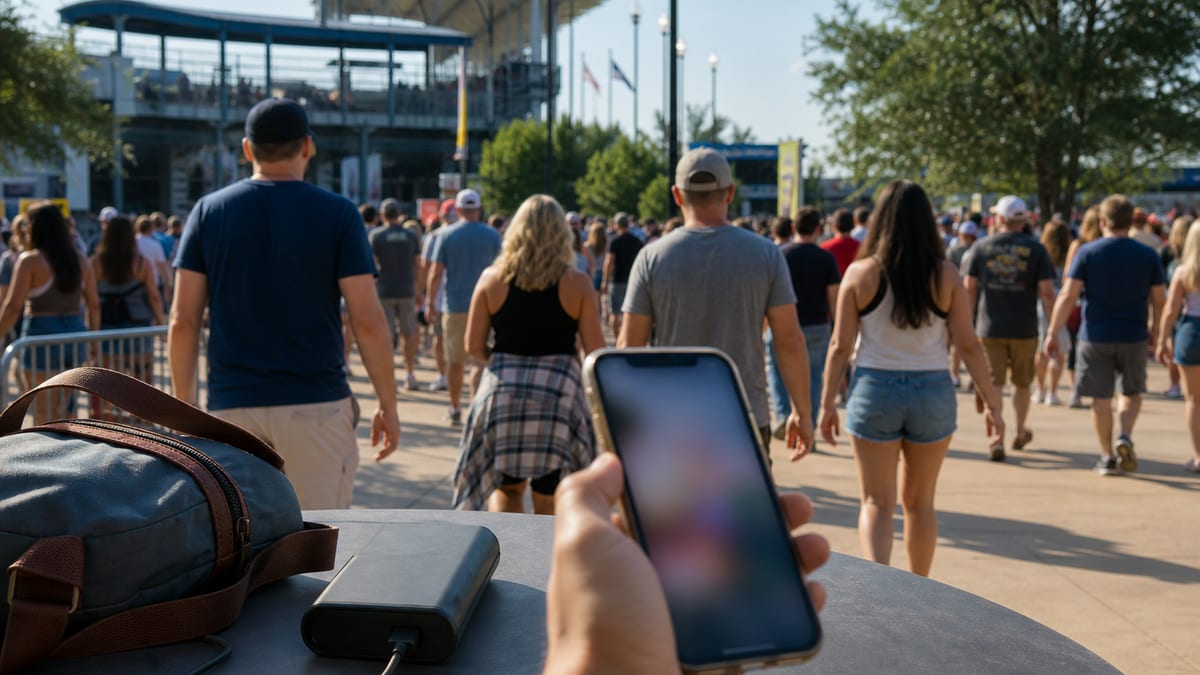
Download tickets, parking passes, transit directions, and meeting-point details before you arrive. Bring a charged power bank. If you are attending with family, set one offline meeting spot in case calls or messages lag when everyone leaves at once.
What to do: assume the exit rush will be the worst moment for service. Save what you need locally and do not make your whole plan depend on one live app screen.
Watch the “best network” language
T-Mobile’s announcement also points to an Opensignal analysis of U.S. host cities from February through May 2026, saying T-Mobile earned 19 outright wins and 19 joint wins across 11 markets. That is a carrier-reported summary from the announcement, not a promise that your seat, phone, or plan will be first in line at every event.
Carrier performance claims are useful as a starting point. They are not a substitute for asking whether your current line gives you the data treatment you think you are paying for.
The SaveOnPhone read
- Good direction, not magic: Dynamic CX sounds aimed at a real pain point: packed-event congestion.
- Your plan still matters: premium data, hotspot rules, and deprioritization can change the experience you see.
- Prepare offline: screenshots, downloaded tickets, and a power bank beat wishful thinking at the gate.
- Compare total cost: do not upgrade just for event performance unless the higher monthly bill also makes sense the rest of the year.
What to do before your next crowded event
- Check your exact plan name and whether it includes premium data.
- Download tickets, maps, parking details, and transit directions before arrival.
- Bring a power bank and charging cable, not just a hopeful battery percentage.
- Set an offline meeting spot with family or friends.
- After the event, compare how your line performed against what you pay monthly.