







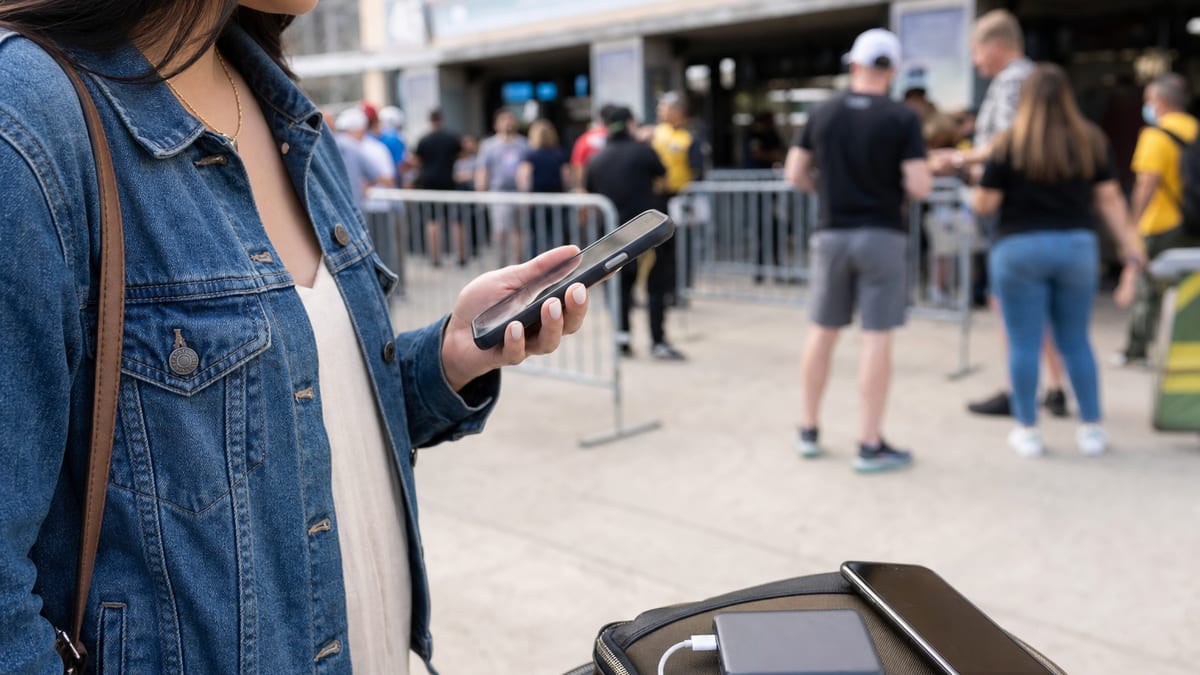
Something big is happening around crowded-event coverage: carriers are turning network readiness into part of the sales pitch. That matters if you rely on your phone at concerts, airports, sports events, fireworks shows, or packed downtown celebrations.
The promise is not fake. T-Mobile and Verizon both describe serious network and public-safety work around major events. The consumer question is narrower: should you switch plans because a carrier says it is ready for crowds? Usually, not until you check how that claim applies to your phone, your plan, and your usual venues.
Crowded event coverage checks before you switch
T-Mobile said July 2 that it would support America250 events in New York, Los Angeles, Milwaukee, and communities nationwide, and said its 5G network covers more than 332 million people. A separate T-Mobile network update says the company invested across all 11 U.S. host cities for tournament crowds, including expanded 5G infrastructure, enhanced venue connectivity, increased network capacity, and operational readiness work.
Verizon is making a similar event-readiness argument for the FIFA World Cup 2026. Verizon says Verizon Frontline is collaborating with FIFA to support public safety agencies and fans across 16 host cities in three nations, with 104 matches over 39 days.
1. Separate national coverage from your event spot
A national coverage number is useful background, but it does not tell you whether your section of a stadium, parade route, train platform, or parking lot will work well. Crowds can overload a strong network because thousands of phones are trying to upload video, message friends, load tickets, and order rides at once.
What this means for you: do not switch based only on a carrier's national 5G headline. Check coverage maps, ask people who use that carrier in your venue, and test with a trial or prepaid month before moving a main line.
2. Check whether the network upgrade helps regular customers
T-Mobile's host-city update mentions public-safety coordination, emergency response planning, operational monitoring, and support for first responders. Verizon's World Cup article also focuses heavily on mission-critical communications and public safety.
That work can help the event run more safely, but it is not the same as a guarantee that every consumer phone gets premium data performance in the crowd.
What this means for you: if you are comparing plans for event days, look for the consumer-facing details: priority data, hotspot limits, video throttling, roaming rules, and whether your phone supports the carrier's current bands.
3. Do not confuse perks with lower monthly cost
T-Mobile's America250 announcement includes member giveaways and event touches. Those perks may be fun if you already use the network, but they should not carry the same weight as a lower bill, better home coverage, or a plan that includes taxes and fees.
What this means for you: value an event perk only if you would actually use it. A one-day giveaway is not worth paying more every month for service that does not fit your daily routine.
4. Build a backup plan before the crowd arrives
The practical move is boring but useful: save tickets offline, screenshot meeting spots, carry a charged battery, and know where Wi-Fi or a secondary eSIM could help. Event network preparation reduces risk; it does not remove it.
What this means for you: if your phone is mission-critical at a crowded event, do not rely on one network claim. Prepare as if service may slow down when everyone leaves at the same time.
The SaveOnPhone read
- Event readiness is real, but local: carrier work around stadiums and city centers does not automatically prove performance where you live.
- Public-safety upgrades are not a plan feature: first-responder priority systems may not translate into faster consumer data for your line.
- Perks are secondary: giveaways and event tie-ins should never outrank total monthly cost, taxes, fees, and data priority.
- Test before switching: a trial line or one-month prepaid test is safer than moving your whole family because of an event campaign.
What to do this week
- Open your carrier's coverage map for the venue or neighborhood you visit most.
- Ask one person on each major network how service works there during crowds.
- Check your plan for priority data, hotspot rules, and video limits before event day.
- Save tickets, transit details, and meeting points offline before you leave home.
- If you are considering a switch, test the new network with a trial or prepaid month first.